





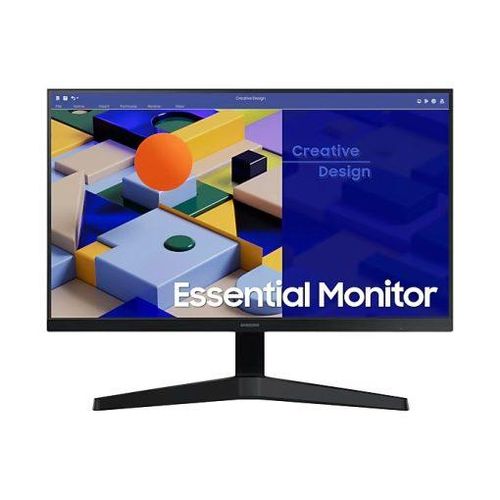
Samsung Essential Monitor 27″ (LS27C310EAMXUE): Versatile Performance for Work, Study & Play
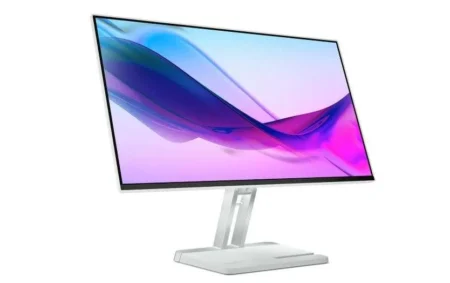
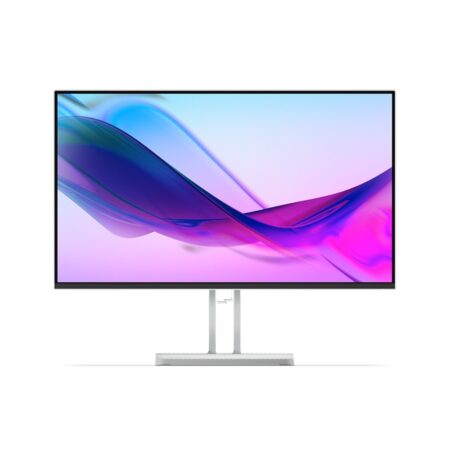
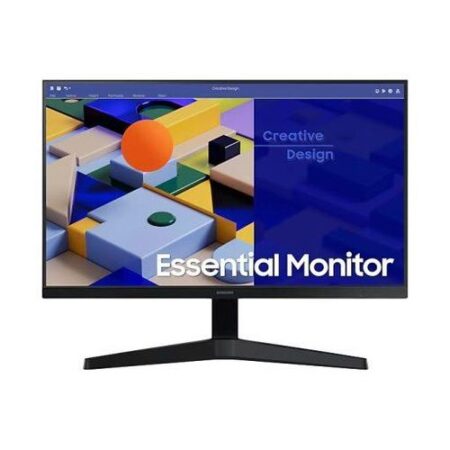
The Samsung LS27C310EAMXUE is a 27-inch Full HD IPS monitor built for multitaskers, casual gamers, and content consumers. It combines a sleek borderless design with essential performance features like a 75 Hz refresh rate, AMD FreeSync, and Eye Saver Mode. Whether you’re working, studying, or relaxing with your favorite media, this monitor delivers vibrant visuals, smooth motion, and long-term comfort—all while staying eco-friendly and energy-efficient.
Vivid Full HD Display for Everyday Clarity
1920 x 1080 Resolution on a Spacious 27” Screen
Enjoy crystal-clear visuals with Full HD (1920 x 1080) resolution, providing sharp images and ample screen real estate for multitasking, browsing, or streaming. The 16:9 aspect ratio is perfect for spreadsheets, video content, and side-by-side app usage.
IPS Panel with Wide Viewing Angles
The In-Plane Switching (IPS) panel delivers 178° horizontal and vertical viewing angles, maintaining accurate color and clarity from any perspective. With 250 nits brightness and an anti-glare screen, the display performs well in bright environments.
Smooth Performance for Work and Casual Gaming
75 Hz Refresh Rate for Smoother Motion
The 75 Hz refresh rate offers a notable improvement over standard 60 Hz monitors, reducing visual stutter and enhancing scrolling, editing, and video playback. The 5ms (GtG) response time ensures quick transitions and reduced motion blur.
AMD FreeSync for Tear-Free Gaming
Enjoy stutter-free, tear-free visuals during light gaming or video playback, thanks to AMD FreeSync support. The monitor dynamically synchronizes refresh rates with your GPU, delivering fluid gameplay and immersive entertainment.
Designed for Comfort and Flexibility
Tilt Adjustment & VESA Compatibility
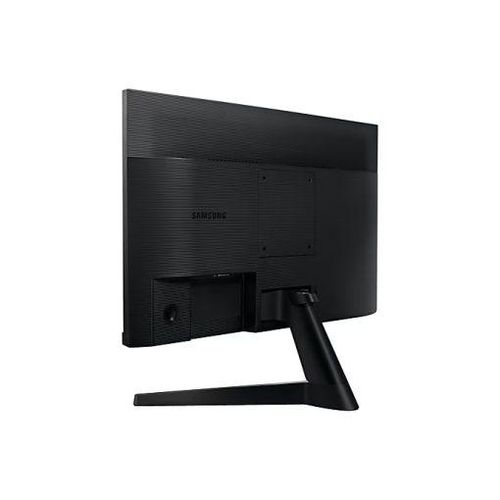
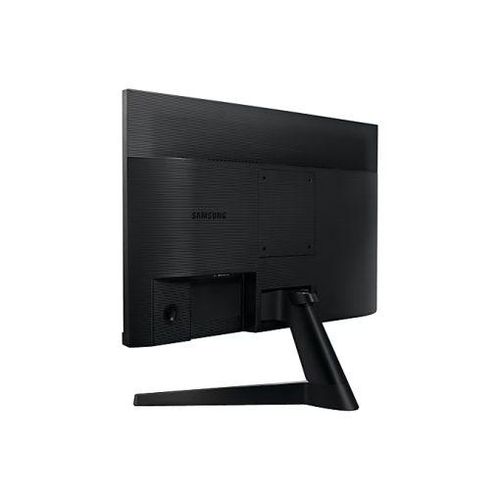
Customize your viewing angle with a tilt range of -2° to +20° for improved ergonomics. The monitor also supports VESA 100 x 100mm mounting, allowing for wall or arm setups in compact workspaces.
Eye Saver Mode + Flicker-Free Technology
Certified by TÜV Rheinland, Eye Saver Mode reduces harmful blue light, while flicker-free technology minimizes screen flickering. These features help reduce eye strain during extended screen time, making the LS27C310EAMXUE suitable for both professionals and students.
Sleek Design Meets Eco-Conscious Build
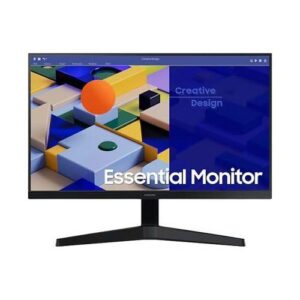
Borderless 3-Sided Design
The ultra-slim 3-sided bezel maximizes your visual space, offering a modern, minimal look that’s ideal for dual or triple monitor setups. The clean black finish adds a professional aesthetic to any workspace or home environment.
Energy-Efficient and Sustainable
Built with 22.3% recycled plastic and equipped with Eco Saving Plus, this monitor reduces power consumption by up to 10% without sacrificing display quality.
-
Power usage: 25W (typical)
-
Standby: 0.3W
It meets global energy efficiency standards, making it both cost-effective and environmentally responsible.
Essential Connectivity for Any Setup
HDMI & VGA Ports
Stay connected with:
-
1 x HDMI 1.4
-
1 x D-Sub (VGA)
The inclusion of both HDMI and VGA ensures compatibility with a wide range of desktops, laptops, and older devices. An HDMI cable is included, so you can start working right out of the box.
Easy Setup with Samsung Software
Set up your screen layout effortlessly using Samsung’s Easy Setting Box software—ideal for multitasking, dividing windows, or creating virtual screens. Maintenance is simple: clean with a soft microfiber cloth and keep the monitor well-ventilated for optimal performance.
Why Choose the Samsung LS27C310EAMXUE?
The Samsung Essential Monitor 27″ LS27C310EAMXUE blends performance, style, and sustainability in a single, budget-friendly package. Its Full HD IPS panel, 75 Hz refresh rate, and AMD FreeSync deliver an ideal experience for work, study, and light gaming. Eye care certifications and power efficiency features make it a smart, responsible investment for homes, offices, and classrooms alike.
For more display options, explore our Samsung Monitors Collection. Need accessories? Browse our Computer Accessories page to complete your setup.


Reviews
There are no reviews yet.