





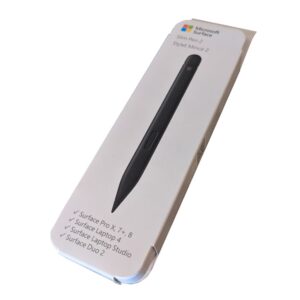
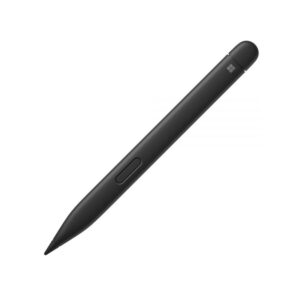
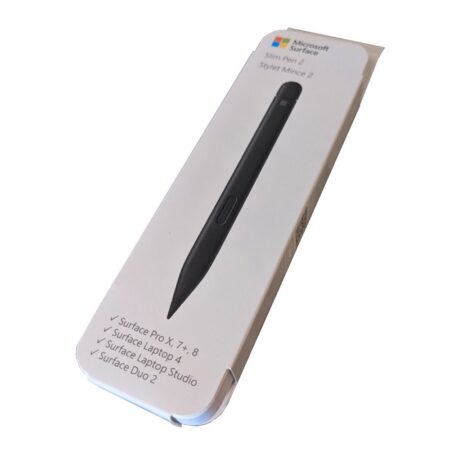
Microsoft Surface Slim Pen 2
Unleash your creativity with the Microsoft Surface Slim Pen 2, a cutting-edge stylus designed for precision and productivity. Perfect for artists, students, and professionals, this pen delivers a natural writing experience with advanced features like haptic feedback and zero-force inking. Available at Threeways Gadget Hub, it’s the ideal tool for transforming your Surface device into a versatile digital canvas, whether for note-taking, sketching, or editing.
Why Choose the Microsoft Surface Slim Pen 2?
Natural Writing and Drawing Experience
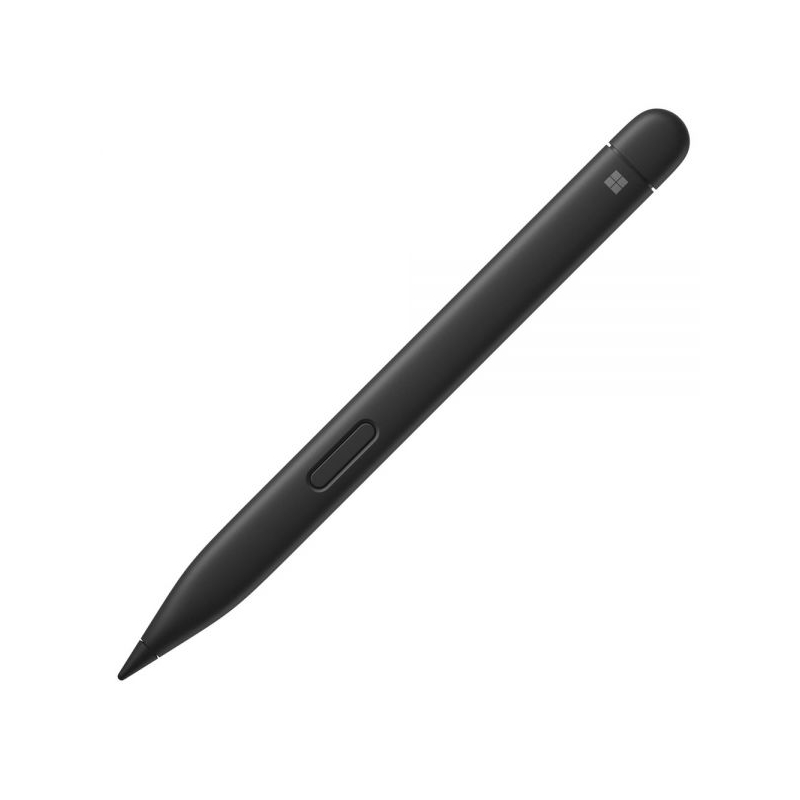
The Microsoft Surface Slim Pen 2 mimics the feel of writing on paper, thanks to its haptic motor and sharper pen tip. Its zero-force inking ensures ink flows instantly when the pen touches the screen, ideal for sketching or jotting notes. The pen’s 4,096 pressure sensitivity levels and 77-degree tilt support precise shading, making it a favorite for artists and designers. Explore compatible tablets at Threeways Gadget Hub’ tablet collection.
Seamless Integration with Surface Devices
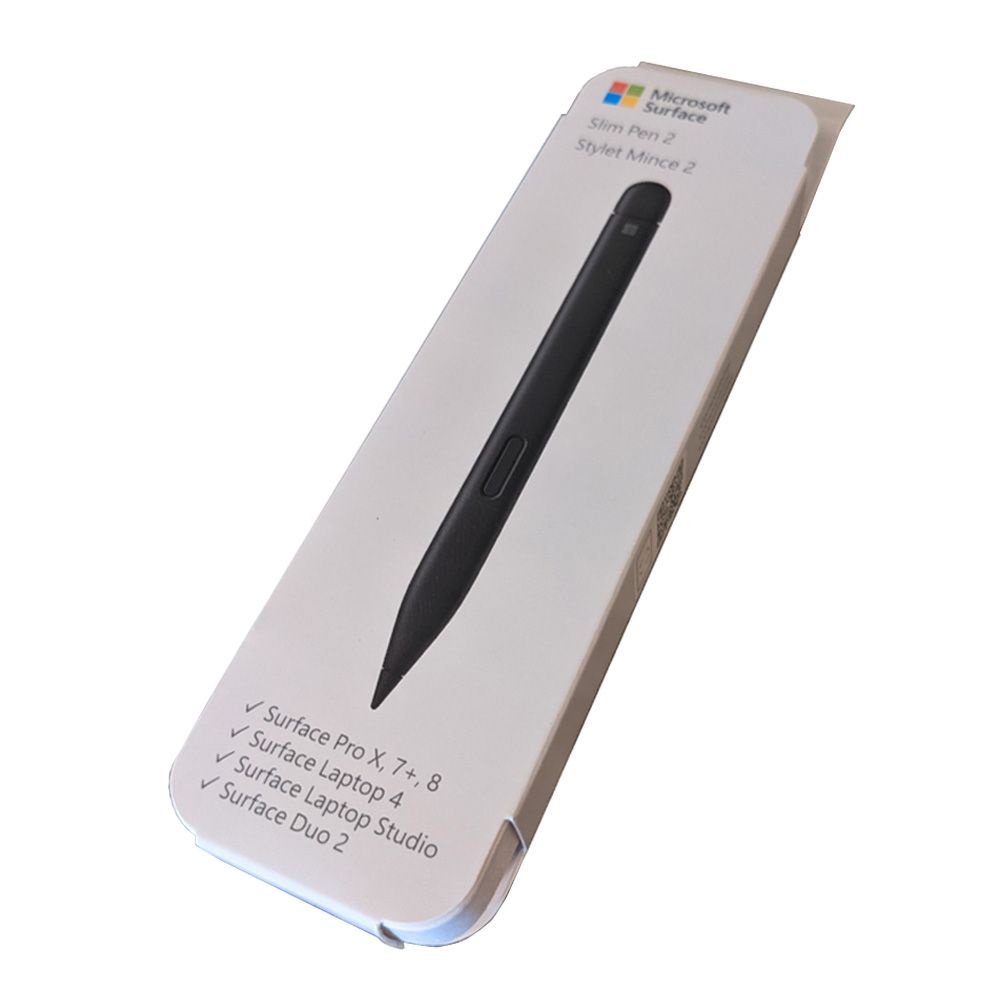
This stylus is tailored for Microsoft Surface devices, including Surface Pro 8–9, Surface Laptop Studio 1–2, Surface Pro X, Surface Duo 2, and Surface Hub 2S–3. It connects via Bluetooth 5.0 for reliable performance and supports tactile signals on select devices running Windows 11. The pen’s programmable buttons enhance productivity by launching apps or performing shortcuts. For more on compatibility, visit Microsoft’s Surface support page.
Portability and Convenient Charging
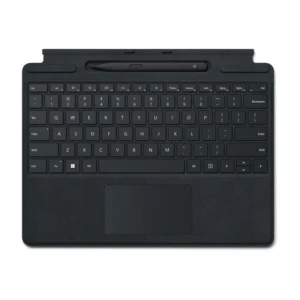
The slim, lightweight design of the Microsoft Surface Slim Pen 2 makes it easy to carry. It stores and charges wirelessly in accessories like the Surface Pro Signature Keyboard or Surface Laptop Studio’s built-in tray. With up to 15 hours of battery life, it’s ready for extended use. For a complete setup, pair it with a monitor from Threeways Gadget Hub’ monitor collection.
Use Cases for the Microsoft Surface Slim Pen 2
Creative Professionals and Artists
Graphic designers and illustrators will love the pen’s precision and tilt functionality, perfect for digital art in apps like Adobe Fresco or Photoshop. The haptic feedback enhances the tactile experience, simulating traditional drawing. Its compatibility with Microsoft Whiteboard makes it ideal for collaborative brainstorming. Elevate your creative setup with accessories from Threeways Gadget Hub’ gaming category.
Students and Educators
Students can take handwritten notes in Microsoft OneNote, with Copilot summarizing content on Copilot+ PCs. The pen’s eraser tip and customizable buttons streamline note-taking and editing. Educators can use it for annotating slides or grading assignments in Microsoft Teams. Its portability ensures easy transport between classes, and the palm rejection technology prevents unintended marks during use.
Professionals and Productivity
For professionals, the Microsoft Surface Slim Pen 2 enhances workflows by enabling quick annotations in Microsoft Word or Excel. The pen’s shortcut buttons allow instant access to apps, boosting efficiency during presentations or meetings. Its precise inking is perfect for signing documents or editing on the go. Learn more about its features at Microsoft’s official site.
Technical Specifications
Microsoft Surface Slim Pen 2 Specs
- Connectivity: Bluetooth 5.0
- Pressure Sensitivity: 4,096 levels
- Tilt Support: 77-degree for shading
- Haptic Feedback: Supported on Surface Pro 8, Surface Laptop Studio (Windows 11)
- Buttons: Side button, top button (eraser), customizable shortcuts
- Battery: Rechargeable lithium-ion
- Battery Life: Up to 15 hours
- Charging: Wireless via Surface Pro Signature Keyboard, Surface Laptop Studio, Surface Slim Pen Charger (sold separately)
- Dimensions: 5.38 x 0.44 x 0.25 inches
- Weight: 0.49 ounces
- Color: Matte Black
- Compatibility: Surface Pro 3–9, Surface Pro X, Surface Laptop 1–4, Surface Studio 1–2, Surface Book 1–3, Surface Go 1–3, Surface Duo 1–2, Surface Hub 2S–3, Microsoft Pen Protocol (MPP) devices
- Pen Tip: Removable, replaceable
For troubleshooting and setup, refer to Microsoft’s support documentation.
Trust in Quality and Support
At Threeways Gadget Hub, we ensure your confidence in the Microsoft Surface Slim Pen 2 with a 12-month manufacturer’s warranty. Our expert support team is ready to assist with setup, compatibility, or troubleshooting queries. We offer a 30-day return policy for added peace of mind. Shop with us at Threeways Gadget Hub for authentic products and reliable service tailored to your needs.


Reviews
There are no reviews yet.