





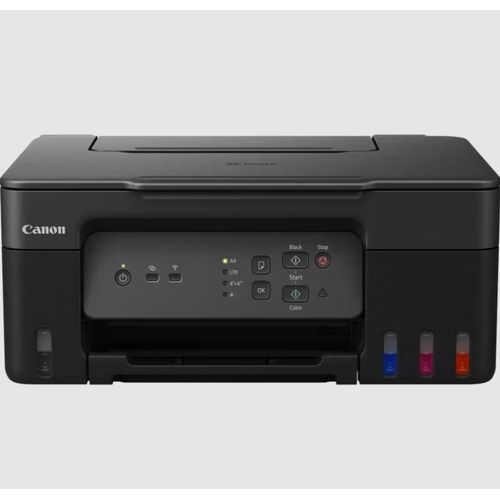

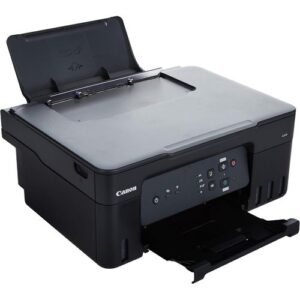
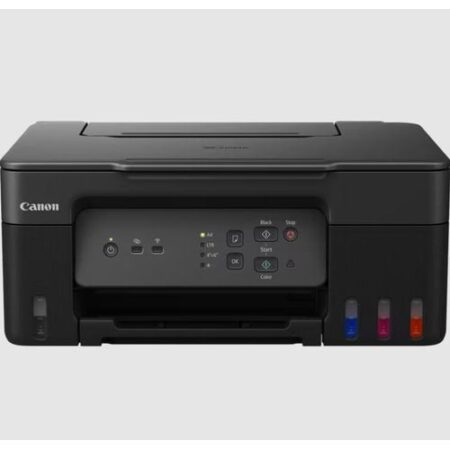
Canon PIXMA G3430 MegaTank Inkjet Printer
The Canon PIXMA G3430 is a 3-in-1 MegaTank inkjet printer designed for cost-effective, high-volume printing, scanning, and copying in home or small office environments. Featuring Wi-Fi connectivity, it supports seamless printing from smartphones, tablets, and computers via the Canon PRINT app, PIXMA Cloud Link, Apple AirPrint, and Mopria. With high-yield ink bottles delivering up to 3,100 black pages (3,900 in Economy mode) and 4,400 color pages (4,600 in Economy mode), it offers running costs as low as 2–3 paise per page, significantly cheaper than cartridge-based printers. Its compact design, fast print speeds of 11.0 ipm (mono) and 6.0 ipm (color), and eco-friendly features make it ideal for budget-conscious users. Available in black, purple, or pink, it’s sold at Canon UAE Store or Threeways Gadget Hub.
Versatile Use Cases for Canon PIXMA G3430 MegaTank Inkjet Printer
Home Office and Productivity
The PIXMA G3430 is perfect for home offices, delivering sharp A4 documents at 4800×1200 dpi for reports, invoices, or schoolwork using tools like Microsoft Office or Google Docs. Its 100-sheet rear tray supports high-volume printing, and the flatbed scanner (600×1200 dpi) ensures clear scans for digitizing documents. Wi-Fi enables wireless printing across devices, enhancing workflow efficiency. Explore productivity tools at Threeways Gadget Hub’ software category.
Cost-Effective Printing for Families and Students
With a cost per print of 2–3 paise, the G3430’s high-yield ink bottles (170 mL black, 70 mL C/M/Y) print up to 3,100 black and 4,400 color pages, saving up to 80% compared to cartridge printers. Economy mode extends yields to 3,900 black and 4,600 color pages. The no-squeeze, key-coded ink bottles simplify refills, making it ideal for students printing assignments or families handling creative projects. Find ink supplies at Threeways Gadget Hub’ accessories category.
Creative and Multimedia Printing
The G3430 supports printing on magnetic, glossy, and matte photo paper, ideal for crafting, photo printing, or creative projects via Canon’s Creative Park app. Its pigment black ink ensures sharp text, while dye-based color inks produce vibrant photos. The 11.0 ipm (mono) and 6.0 ipm (color) speeds handle bulk printing efficiently. Discover more printers at Threeways Gadget Hub’ laptops category.
Eco-Conscious Workspaces
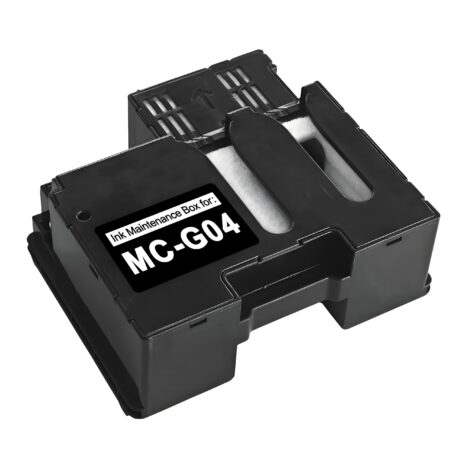
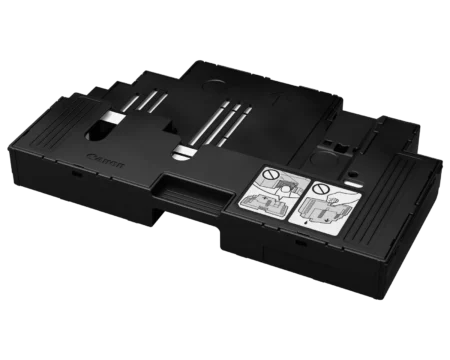
The G3430 features recyclable packaging and low ink waste, with ENERGY STAR certification for energy efficiency. Its user-replaceable maintenance cartridge extends printer lifespan, reducing environmental impact. The compact footprint (416 x 337 x 177 mm, trays retracted) fits small spaces, making it sustainable and practical. For eco-standards, visit ENERGY STAR certifications.
Compatibility of Canon PIXMA G3430 MegaTank Inkjet Printer
Software Compatibility
The G3430 supports Windows (7 SP1 or later), macOS (10.10.5 or later), and Chrome OS, with drivers for printing, scanning, and cloud integration. The Canon PRINT Inkjet/SELPHY and Easy-PhotoPrint Editor apps enable mobile and creative printing, while PIXMA Cloud Link supports cloud storage. Mopria and AirPrint ensure seamless Android and iOS connectivity. Some macOS features may be limited. For drivers, visit Canon’s support page.
Hardware Connectivity
The printer includes USB 2.0 and Wi-Fi (802.11 b/g/n/a), supporting A4, Letter, and photo paper sizes via a 100-sheet rear tray. It lacks an ADF or duplex printing, requiring manual flipping for double-sided prints. HDCP-compliant HDMI is not applicable, but Wi-Fi supports up to five devices simultaneously. For connectivity details, see Canon’s usage guide.
System Integration
The G3430 integrates with home or small office setups via Wi-Fi, supporting multi-device printing without a router using Wi-Fi Direct. The 1.3-inch LCD simplifies navigation, and the printer is compatible with Canon’s FINE printhead technology for reliable performance. It supports manual maintenance via a replaceable cartridge, reducing service costs.
Technical Specifications
- Print Technology: FINE Inkjet, MegaTank
- Functions: Print, scan, copy (3-in-1)
- Print Speed: 11.0 ipm (mono), 6.0 ipm (color) (ISO/IEC 24734)
- First Page Out: ~9 sec (mono), ~14 sec (color)
- Print Resolution: 4800×1200 dpi
- Ink Type: Pigment black (GI-21, 170 mL, ~3,100/3,900 pages), dye-based C/M/Y (70 mL each, ~4,400/4,600 pages)
- Cost Per Print: ~2 paise (black), ~3 paise (color)
- Scan Resolution: 600×1200 dpi (flatbed, CIS)
- Copy Features: 25–400% scaling, up to 99 copies
- Paper Handling: 100-sheet rear tray, A4/Letter/photo paper
- Ports: USB 2.0, Wi-Fi (802.11 b/g/n/a)
- Display: 1.3-inch monochrome LCD
- Power: 100-240V, 50/60Hz, 14W (printing), 0.6W (standby), 0.1W (off)
- Weight: ~6.0 kg
- Dimensions: 416 x 337 x 177 mm (trays retracted), 416 x 557 x 268 mm (extended)
- Color: Black, Purple, or Pink
- Additional Features: No-squeeze key-coded ink bottles, user-replaceable maintenance cartridge, flicker-free scanning, ENERGY STAR certified
- Warranty: 2 years (UAE, South Africa), 3 years (Egypt)
- Certifications: ENERGY desembarkSTAR, RoHS
- Included: Printer, 4x ink bottles (GI-21: PGBK, C, M, Y), power cord, USB cable, setup CD-ROM (Windows only), manuals
Trust in Quality and Support
Threeways Gadget Hub offers the Canon PIXMA G3430 with a 2-year (UAE, South Africa) or 3-year (Egypt) warranty, ensuring reliable performance. Our Nairobi-based support team assists with setup, ink refilling, or troubleshooting. The eco-friendly design with low ink waste and recyclable packaging aligns with sustainability standards. Contact us at Threeways Gadget Hub or Canon’s support page.


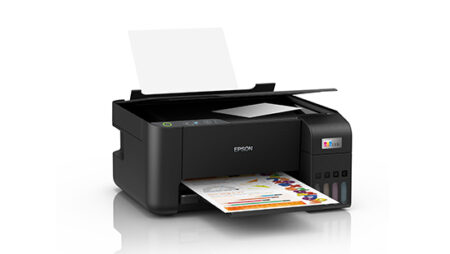
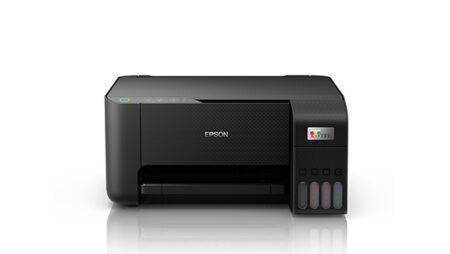
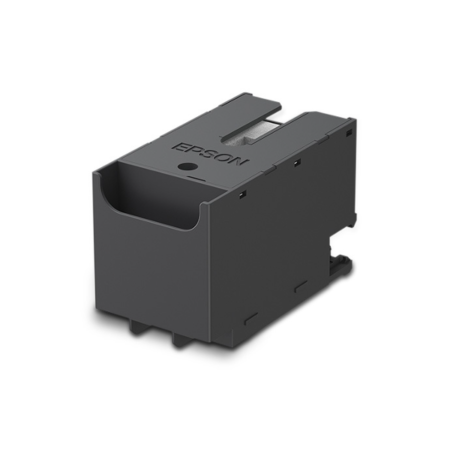
Reviews
There are no reviews yet.