Baracuda Lobster Black Gaming Mouse
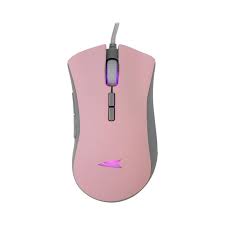
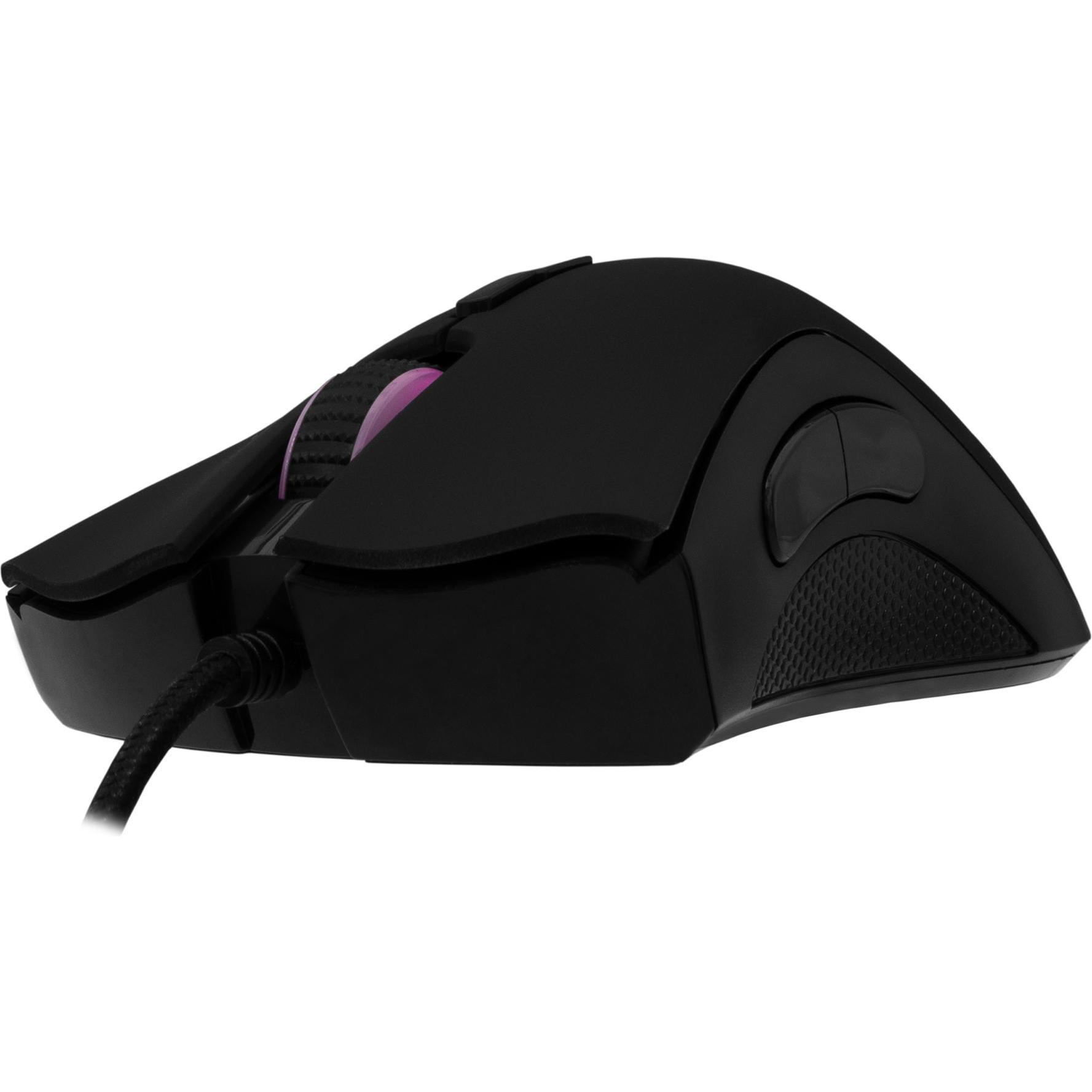
The Baracuda Lobster Black Gaming Mouse delivers unmatched precision for Kenyan gamers. This wired mouse ensures responsive control in intense gaming sessions. It blends sleek design with high functionality for all players.
Why Choose Baracuda Lobster Black Gaming Mouse
Competitive gamers need reliable peripherals. This mouse provides accurate tracking consistently. Its black aesthetic enhances modern setups.
Users value customizable controls for flexibility. The device supports easy adjustments for strategies. It performs across various gaming genres seamlessly.
Detailed Use Cases for Baracuda Lobster Black Gaming Mouse
Competitive Esports Scenarios
FPS players demand rapid responses. The Baracuda Lobster Black Gaming Mouse switches DPI settings instantly. It enables precise aiming during critical moments.
Esports enthusiasts execute complex macros. This mouse processes inputs without delay. It strengthens tactical gameplay effectively.
For esports strategies, explore Esports.net’s Guides.
Casual Gaming Engagement
RPG fans navigate expansive worlds daily. This mouse handles interface scrolling smoothly. It maintains immersion in story-driven titles.
Streamers manage live content creation. The device triggers hotkeys for seamless overlays. It keeps focus on audience interaction.
Professional and Multitasking Needs
Designers work with creative software. This mouse navigates tools with precision. It integrates effortlessly with editing programs.
Office users handle data tasks regularly. The ergonomic design reduces hand fatigue. It boosts efficiency in daily workflows.
Compatibility of Baracuda Lobster Black Gaming Mouse
This mouse connects via USB 2.0 ports. It operates on desktops and laptops alike. It supports Windows and Mac operating systems.
Customization software syncs across devices. Users save profiles for versatility. It pairs with gaming keyboards without issues.
The 1.7-meter braided cable offers ample reach. It suits large desk configurations. For optical sensor insights, visit How-To Geek’s Mouse Technology.
Technical Specifications of Baracuda Lobster Black Gaming Mouse
Sensor and Tracking
Sensor: Optical
Chipset: SUNPLUS 194
DPI Range: Up to 7000 DPI
Polling Rate: 125 Hz
Acceleration: 16G
These features ensure smooth cursor movement. Adjustable DPI supports varied speeds.
Buttons and Durability
Buttons: 7 Programmable
Click Lifespan: 9 Million Clicks
Material: Durable ABS Plastic
Color: Black
Switches activate reliably. The build withstands rigorous use.
Connectivity and Ergonomics
Interface: USB 2.0
Cable: 1.7m Braided
Dimensions: 128 x 69 x 39 mm
Weight: 108 grams
Lightweight form fits hands comfortably. Cable ensures stable connection.
Lighting and Software
Illumination: RGB LED (Multi-Color)
Software: Included for Customization
Compatibility: Windows 7/8/10/11, Mac OS
RGB lighting enhances visuals. Software allows precise function mapping.
Baracuda Lobster Black Gaming Mouse for Kenyan Players
Gamers in Kenya seek affordable quality. This mouse delivers exceptional value. It performs reliably in cyber cafes and home setups.
Shop for gaming gear at Threeways Gadget Hub.
Warranty and Support for Baracuda Lobster Black Gaming Mouse
Threeways Gadget Hub provides a 1-year warranty. It covers manufacturing defects fully. Repairs are handled at authorized Kenyan centers.
Support teams offer quick assistance. Contact via phone or email. Returns process within 30 days seamlessly.
This commitment builds buyer confidence. Users trust dependable service. Learn more about gaming hardware at Digital Trends’ Peripherals Guide.
Enhancing Precision with Baracuda Lobster Black Gaming Mouse
Players gain accuracy in competitive matches. This mouse reduces input errors. It adapts to individual playstyles dynamically.
Tournaments require robust equipment. The device endures extended sessions. It supports team coordination indirectly.
Building Your Gaming Setup
This mouse complements RGB peripherals. It aligns with sleek desk aesthetics. Its compact size optimizes space.
Find compatible accessories at Gaming.
Optimizing Performance Across Tasks
Adjust DPI for gaming or work. This mouse transitions modes quickly. It handles browsing and creative projects efficiently. Gaming communities share customization tips. The device fits global trends. Purchase from Desktop Computers.

 Overview

Reviews
There are no reviews yet.